
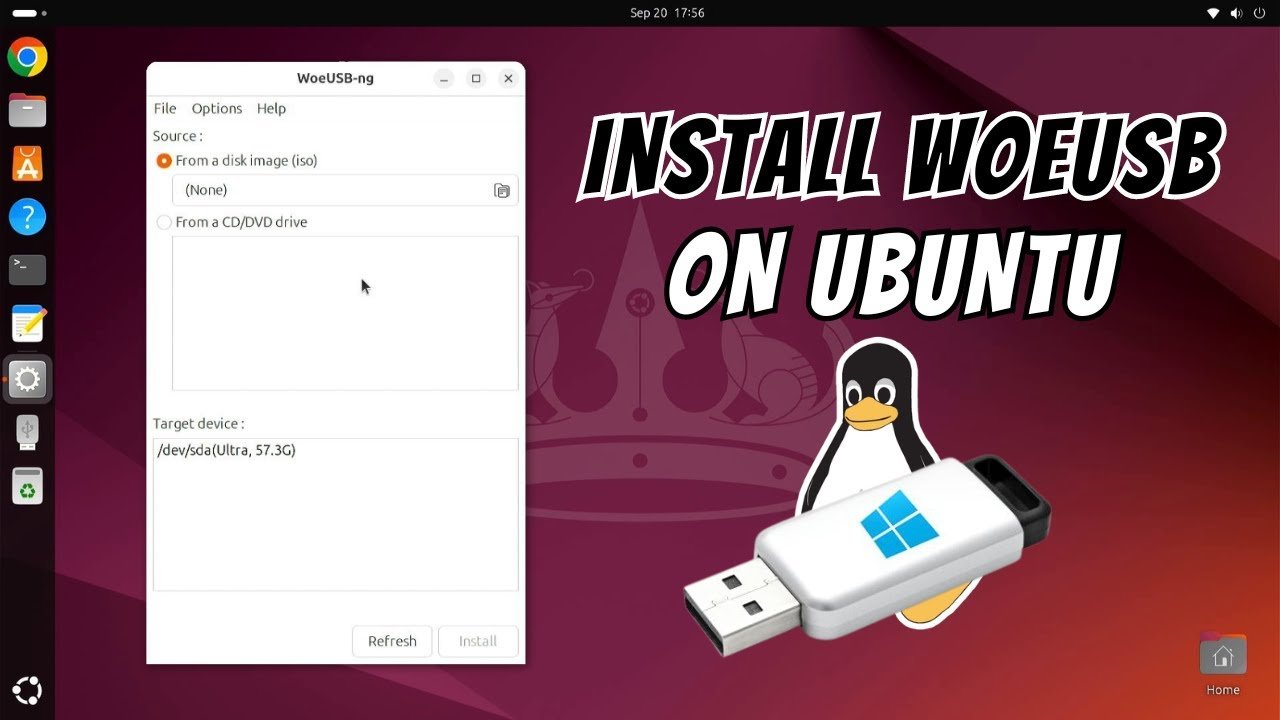
WoeUSB: A Powerful Tool with Risks You Cannot Ignore
WoeUSB is one of the most talked-about tools in the Linux community, praised for its ability to create bootable Windows USB drives from Linux systems. Its functionality makes it a lifesaver for developers, IT professionals, and enthusiasts who need a portable Windows installation. However, despite its powerful capabilities, USB comes with its own set of limitations and dangers that you must understand before using it.
This article explores WoeUSB in depth, providing 7 critical insights that will help users make informed decisions.
What Exactly Is WoeUSB?
WoeUSB is an open-source software tool that enables users to create bootable Windows USB drives directly from Linux distributions. Unlike traditional methods that require a Windows environment, USB allows Linux users to bypass these limitations, providing flexibility and control.
The software supports both legacy BIOS and UEFI systems, making it compatible with almost all modern and older computers. With WoeUSB, you can create USB installation media for Windows 7, 8, 10, and even Windows 11 without using third-party Windows software.
How WoeUSB Works
Using WoeUSB is relatively straightforward. After installing the tool, users select the ISO file of the Windows version they want to install and the target USB drive. The software then formats the USB drive and copies the necessary files to make it bootable.
However, this simplicity can be deceptive. If the USB drive contains critical data that hasn’t been backed up, formatting it with USB can lead to irreversible data loss. Additionally, incorrectly selecting the ISO file or target device can cause the USB drive to fail, leaving users frustrated and at risk of losing time.
Positive Side: Convenience and Efficiency
One of the biggest advantages of WoeUSB is its convenience. For Linux users who frequently install or repair Windows systems, WoeUSB eliminates the need for a virtual machine or borrowing a Windows PC.
- Fast setup: Most Windows USB drives are ready in under 30 minutes.
- Flexible compatibility: Works with older BIOS and modern UEFI systems.
- Cross-platform advantage: Enables Linux users to handle Windows installations without leaving their preferred environment.
This efficiency can save professionals significant time, making a powerful productivity tool.
Negative Side: Common Issues and Risks
Despite its usefulness, WoeUSB is not without problems. Many users encounter boot failures, incomplete installations, or corrupted USB drives. Some of the most common issues include:
- Partition issues: may fail if the USB drive is not properly formatted or contains multiple partitions.
- File corruption: In some cases, ISO files may not transfer correctly, resulting in failed installations.
- Limited support: is community-maintained, meaning troubleshooting can be slow if issues arise.
These risks make it crucial to follow instructions carefully and always back up data before attempting to create a bootable USB.
7 Tips to Safely Use WoeUSB
To avoid problems while using WoeUSB, users should follow these critical tips:
- Back up USB data – Prevent permanent data loss.
- Verify ISO integrity – Ensure the Windows ISO file is not corrupted.
- Use a reliable USB drive – Cheap or old drives may fail during the process.
- Follow Linux compatibility guides – Some distributions require specific dependencies.
- Select the correct target device – Double-check before proceeding.
- Prefer a clean USB format – Use FAT32 or NTFS depending on the Windows version.
- Stay updated – Always use the latest USB version for bug fixes and improvements.
By following these precautions, you can minimize risks while leveraging the benefits of USB
WoeUSB Alternatives
While WoeUSB is highly recommended for Linux users, there are alternatives for those seeking additional stability or features:
- Ventoy: Supports multiple ISOs on a single USB drive.
- Rufus (on Windows): A widely trusted tool for creating bootable USB drives.
- UNetbootin: Another cross-platform option for various ISO setups.
Each alternative has its own strengths, but USB remains unique for Linux-native users needing direct Windows installation capabilities.
The Bottom Line: Is WoeUSB Worth It?
The answer depends on your priorities. WoeUSB is extremely powerful and convenient, but it comes with risks that cannot be ignored. Users who are careful, follow instructions, and prepare backups will likely have a positive experience. On the other hand, beginners or those attempting hurried setups without preparation may face frustration and even data loss.
Pros:
- Fast and efficient Windows USB creation
- Supports both UEFI and BIOS
- Ideal for Linux users
Cons:
- Risk of data loss during formatting
- Possible boot or installation failures
- Limited official support
In conclusion, WoeUSB is a must-know tool for Linux professionals and enthusiasts but requires careful handling to avoid the dangers hidden behind its convenience.
Focus Keyword in English: “must know tool”
WoeUSB is truly a must know tool in the arsenal of any Linux user who deals with Windows installations. Understanding both the positive and negative aspects ensures you leverage its potential while avoiding common pitfalls.
